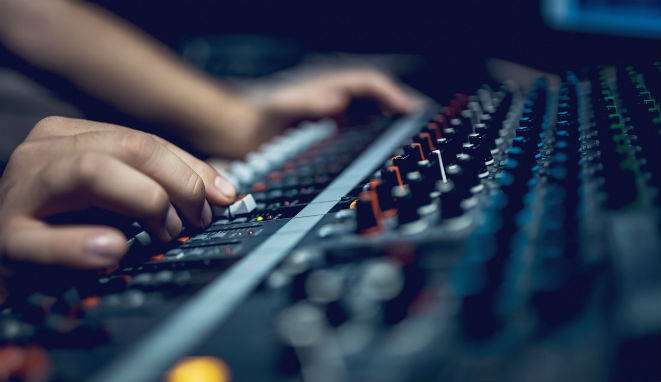
Integrating equalizers (EQ) effectively into your workflow is essential for clear, balanced and professional mixes. The following are key strategies and settings for EQ integration in a recording studio, from initial recording to final mastering.
Establishing a Clear Signal Chain
From the moment an audio signal enters your studio, clarity and sound quality must be a priority. It starts with capturing the signal through high-quality microphones and preamps. A good preamp can add warmth and body to the sound, providing a solid foundation for equalization. If you use a hardware EQ, you can insert it between the preamp and the audio interface to make initial corrective adjustments, such as removing rumble or unwanted resonances.
Equalization During Recording
Some studio setups include equalization during recording to solve specific problems right from the start. For example, when recording a vocal, a high-pass filter can be useful to remove unwanted low frequencies picked up by the microphone. This ensures that the recorded signal is clean and ready to be worked on in the mixing stage, reducing the need for drastic corrections later on.
EQ integration in the DAW
Most modern studios use digital audio workstations (DAWs) for recording, editing and mixing. EQ plug-ins are essential tools in this environment. When setting up your DAW, make sure you have quick access to your favorite EQ plug-ins for efficient editing. Organizing your plug-ins into categories, such as corrective and creative, can help you quickly find the right EQ for each task.
Using Mixing Templates
Mixing templates can save time and ensure consistency in your projects. Set up templates that include EQ instances on the main tracks, such as vocals, guitars, bass and drums. This allows you to have a base EQ ready for fine-tuning when you start a new project. For example, a template might include a FabFilter Pro-Q 3 on the vocal track for dynamic adjustments and a Waves SSL G-Equalizer on the guitar track to enhance the classic tone.
Subgroups and Buses
Using subgroups and busses in your DAW makes it easy to handle multiple tracks that need to be processed similarly. By sending multiple tracks to a subgroup, you can apply EQ together, which ensures tonal consistency. For example, grouping all drum tracks into a subgroup and applying EQ to adjust the frequency balance of the entire kit can simplify and speed up your workflow.
EQ on the Master Bus
Applying EQ on the master bus is a common practice to adjust the tonal balance of the entire mix before mastering. A plug-in such as Dangerous Music BAX EQ can be ideal for making subtle, global adjustments, adding brightness or reducing excess bass throughout the mix. It is important to make these adjustments sparingly so as not to drastically alter the balance of the individual mix.
EQ automation
EQ automation is an advanced technique that allows dynamic EQ changes to be made throughout a track. This technique is especially useful in musical genres with a lot of dynamic variation. For example, during the chorus of a song, you can automate a boost in the high frequencies of the guitars to add brightness and energy, and then reduce it in the verses to maintain a smoother balance.
Monitoring and Review
A crucial step in integrating EQ into your workflow is critical monitoring. Use high-quality reference monitors and headphones to review your EQ settings. Listening to your mix on different playback systems, such as computer speakers, headphones, and car stereo systems, will help you identify and correct EQ problems that may not be evident in your studio environment.
Become an expert in equalization with the recommended book “ EQ in Music Production” (click on the image to go to the link):

Mastering
Mastering is the final stage where global EQ adjustments are made to ensure that the mix sounds good on all playback systems. Tools such as the Manley Massive Passive are ideal for this task because of their ability to make accurate, musical adjustments. At this stage, subtle adjustments can be made to balance overall tone, enhance clarity and ensure that the mix has the cohesion needed for distribution.
Integrating EQ effectively into your studio workflow requires a combination of best practices, organization and the use of appropriate tools. From initial capture to final mastering, every stage of the music production process can benefit from thoughtful and well-applied EQ. The key is to understand when and how to use different types of EQ to solve specific problems and enhance the tonal characteristics of your music, ensuring that each element of the mix has its own space and clarity in the frequency spectrum. With these strategies, you can significantly improve the quality of your productions and achieve professional, balanced mixes.